SaaS website prototype template
A saas website usually needs 4 core pages: Home, Features, Pricing, Sign-up. The main flow is Learn on home → Check features → Choose a plan → Sign up. Below are the modules and interactions per page, the states reviewers ask about and the rules your PRD should spell out. One click generates this prototype in popop-draw, with every element editable by hand.
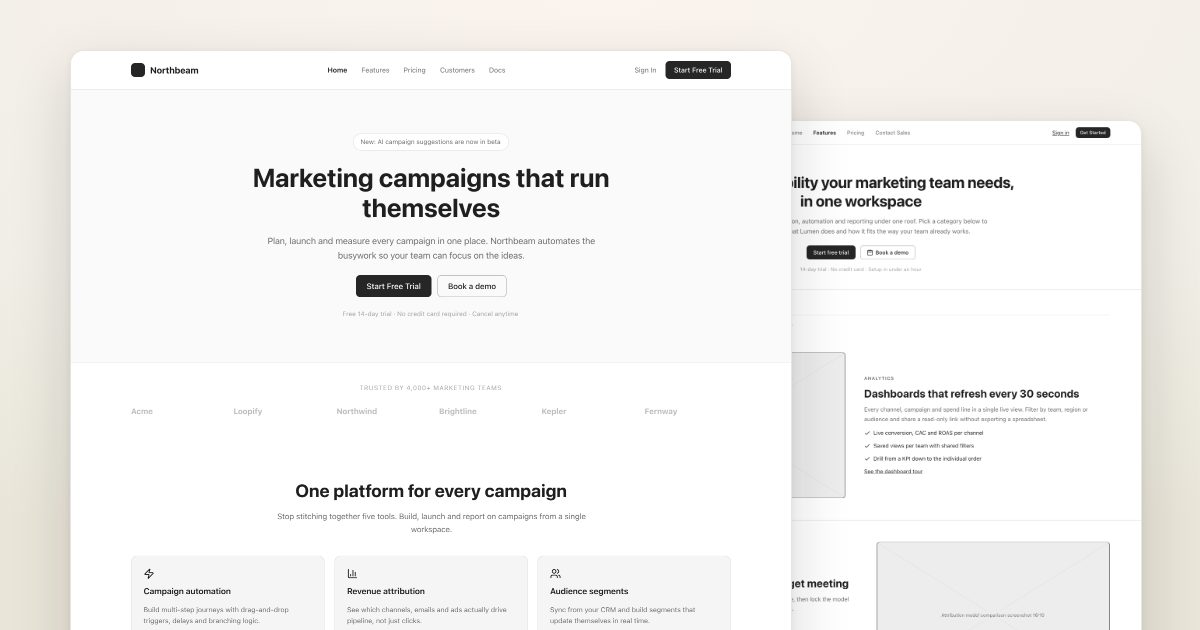
A SaaS marketing site with home, features, pricing and sign-upGenerate this prototypeRuns in your browser · 1.25M free tokens
Who it is for
PMs and founders building SaaS or tool landing pages.
Pages
| Page | Main modules | Key interactions |
|---|---|---|
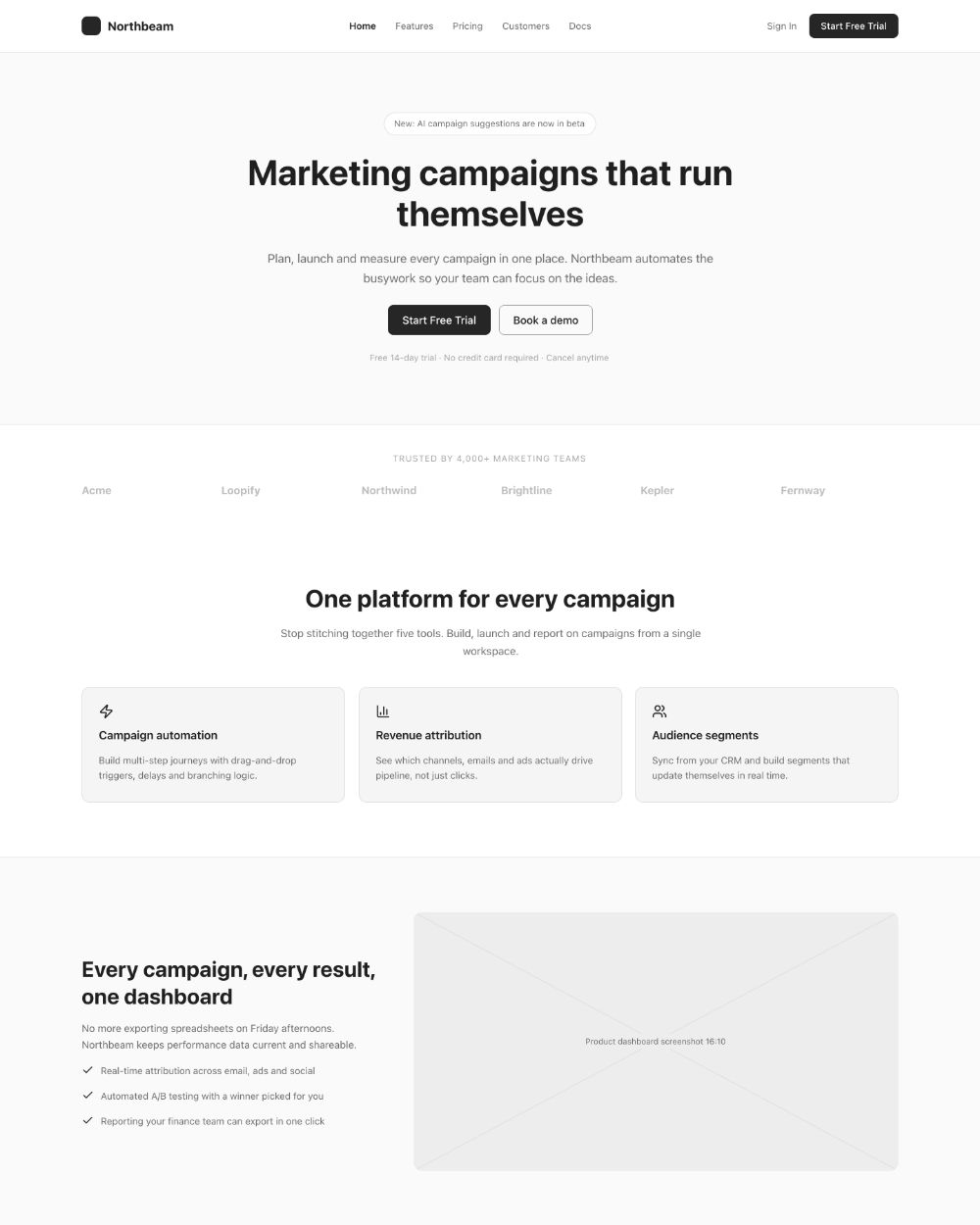
| Home | Headline and main button, product shot, customer logos, benefits, testimonials, final CTA | Main button goes to sign-up |
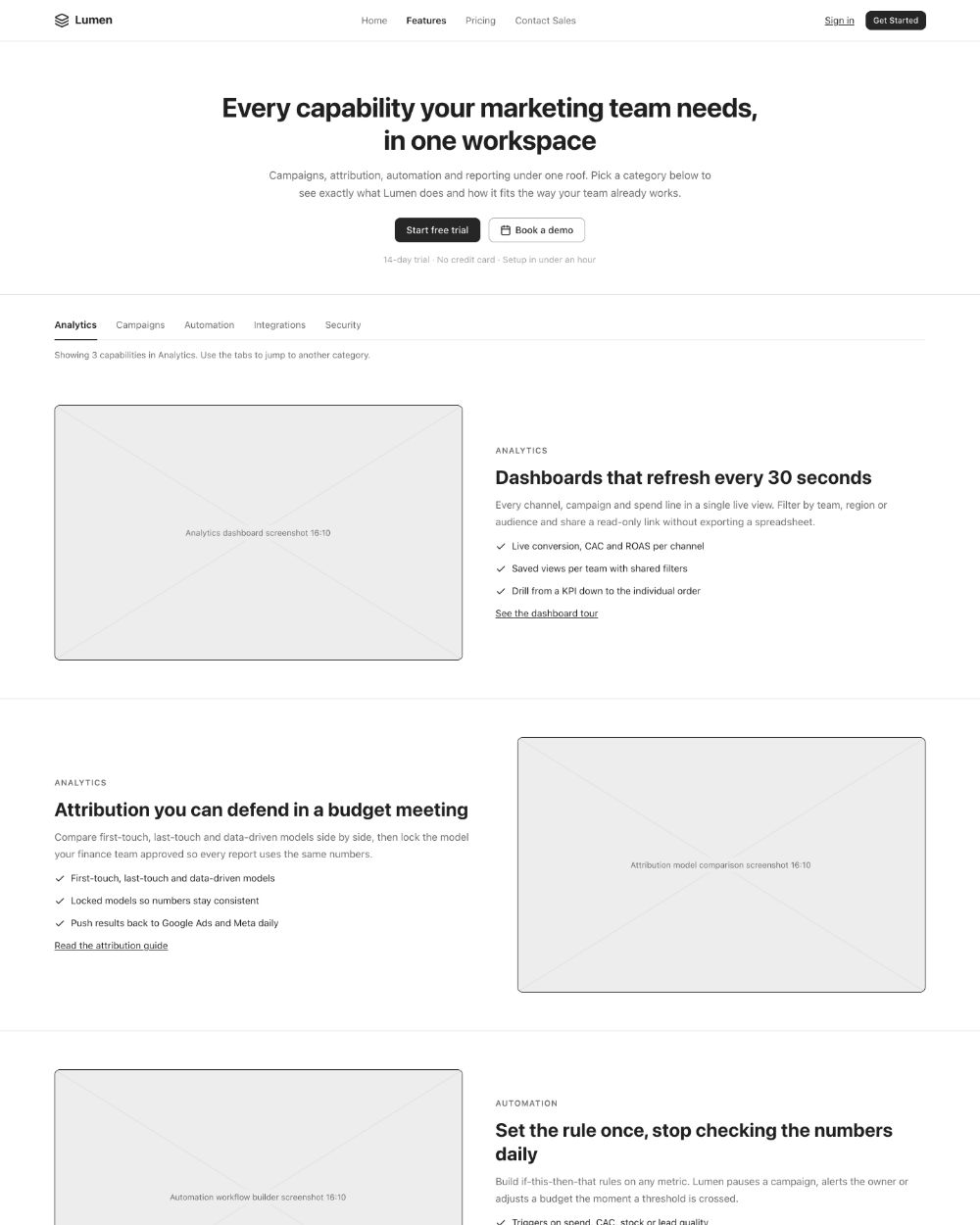
| Features | Features grouped by use case, visuals, comparison table | Anchor navigation |
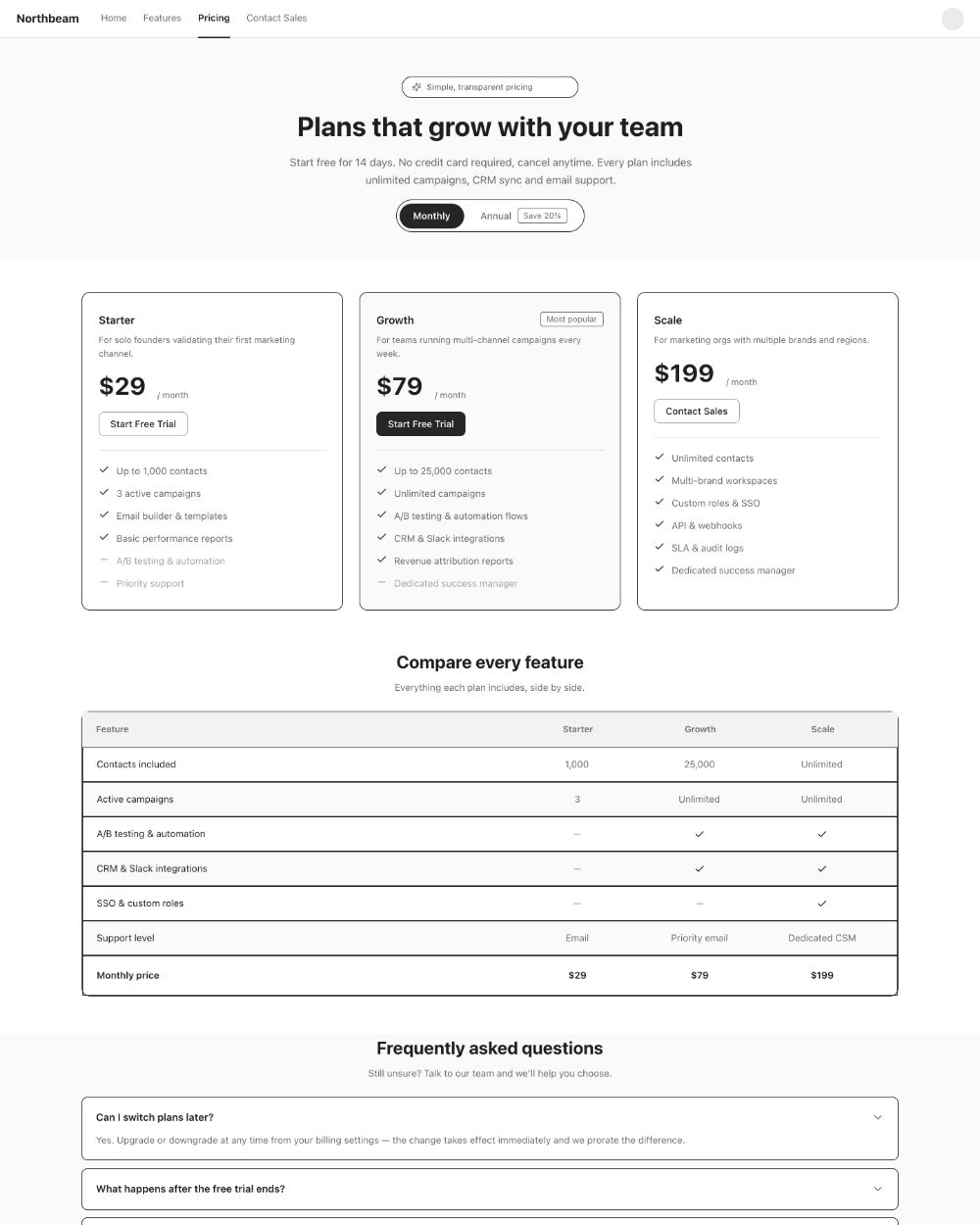
| Pricing | Plan cards, monthly/annual toggle, feature table, FAQ | Toggle billing; pick a plan |
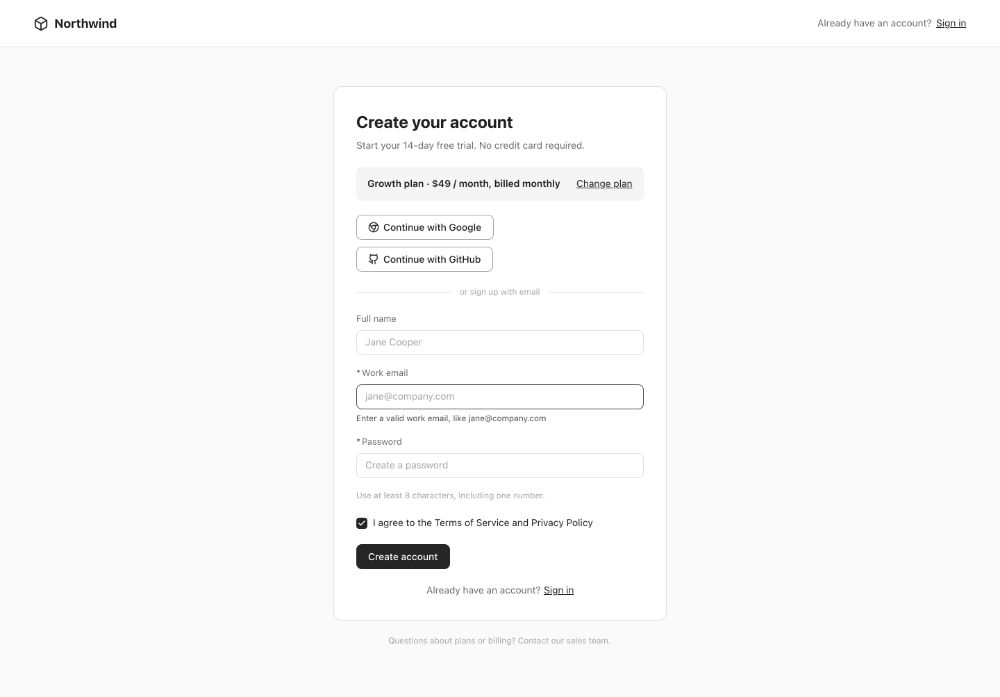
| Sign-up | Email sign-up, social login, terms checkbox | Submit |
What it generates
These wireframes were generated by popop-draw from the prompt above in one go, with no manual edits. Every element can be clicked and edited, or polished into high fidelity in one step.
Main flow
- Learn on home
- Check features
- Choose a plan
- Sign up
Easy-to-miss states
Reviewers ask about these first. popop-draw's Design check-up finds missing empty, error and overflow states for you.
- Collapsed mobile nav
- Form validation errors
- Email already registered
- "Not included" marks in plan table
Rules your PRD should cover
- Where each CTA goes and what is tracked
- Plan and feature definitions
- First screen after sign-up
- SEO titles and descriptions
Generate it in popop-draw
- Click the button below; "A SaaS marketing site with home, features, pricing and sign-up" is filled in and generation starts.
- In seconds you get a multi-page prototype with links and demo effects wired.
- Click any button, text or color to edit, or tell the AI what to change.
- Run Check-up and Role walkthrough, then export HTML, images or a PRD.
FAQ
Does it cost anything?
Free during the beta, with 1.25M AI tokens on sign-up. Usage depends on page count and complexity; manual edits use no tokens.